Easy WE2USAT Tutorial: How to Favorite Programs
Found a must-watch channel and don't want to lose it? WE2USAT makes it a breeze to save it directly to your favorites! This guide will show you how to create your own personalized lineup of channels, making your favorite content just a click away.
How to Add a Channel to Favorites
1. Find Your Program: First, navigate to the channel you want to save.

2. Press the left navigation button on the circular navigation pad briefly, then confirm the information of the channel you want to favorite again.
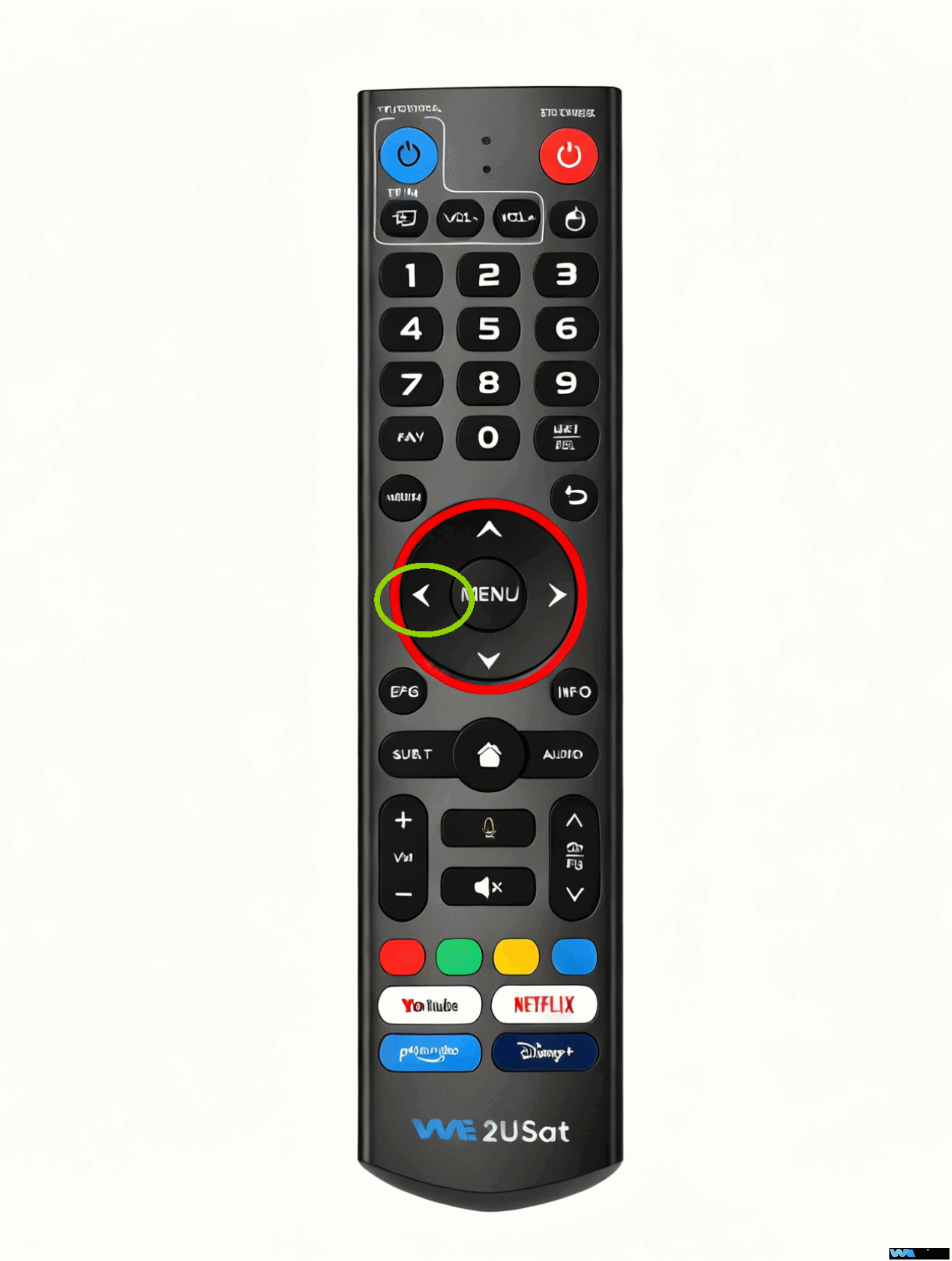
3. Confirm Your Choice: Short press the blue button to confirm, and you’ll see a small star icon light up, indicating it’s been successfully added to your favorites.
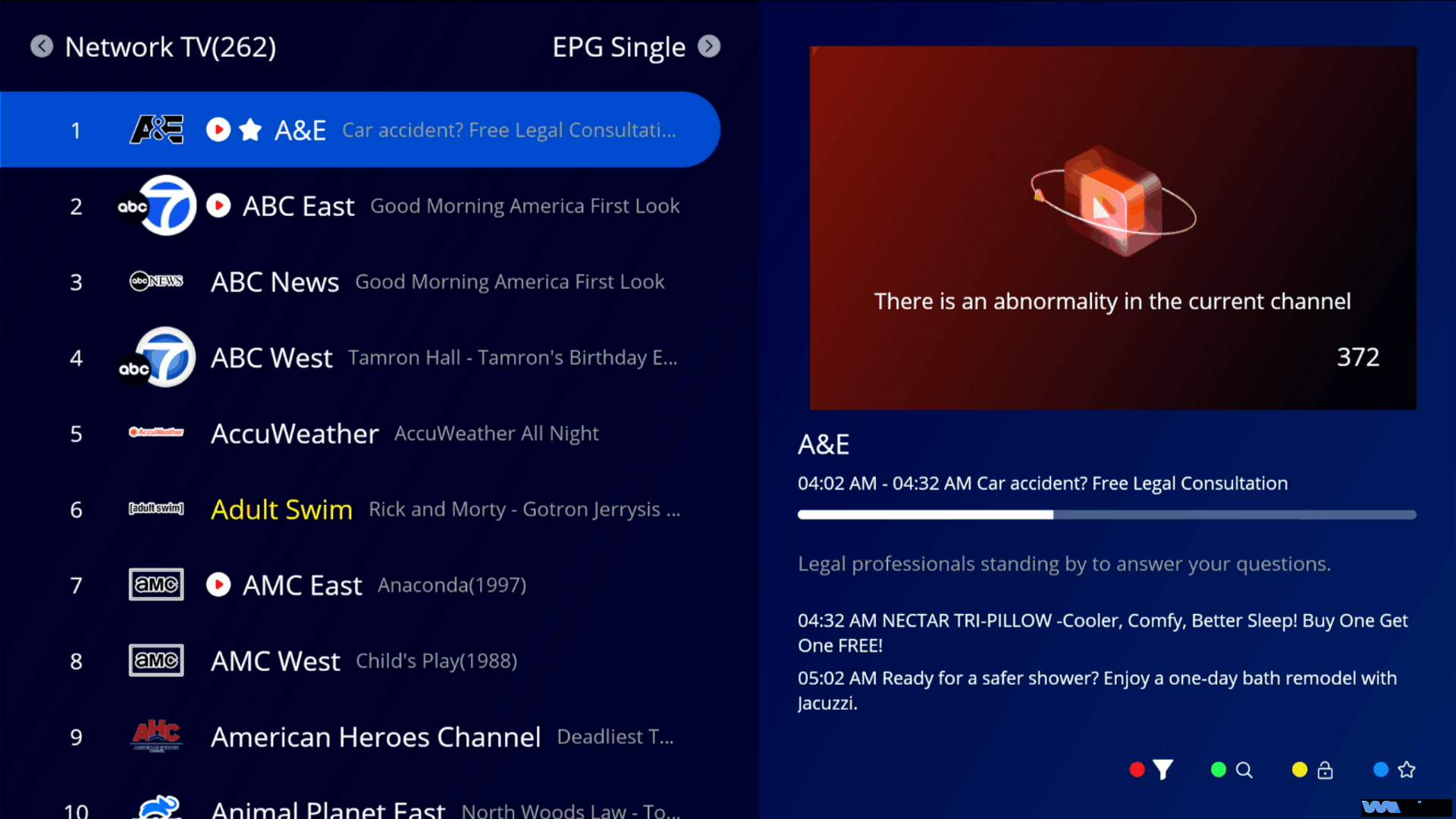
It’s that easy! In just three simple steps, your channel is saved.
How to Watch Your Favorite Channels
You might be wondering, “What happens after I favorite a channel?” Watching them is even simpler.
1. Turn on your TV and open the app where your desired channel is located.
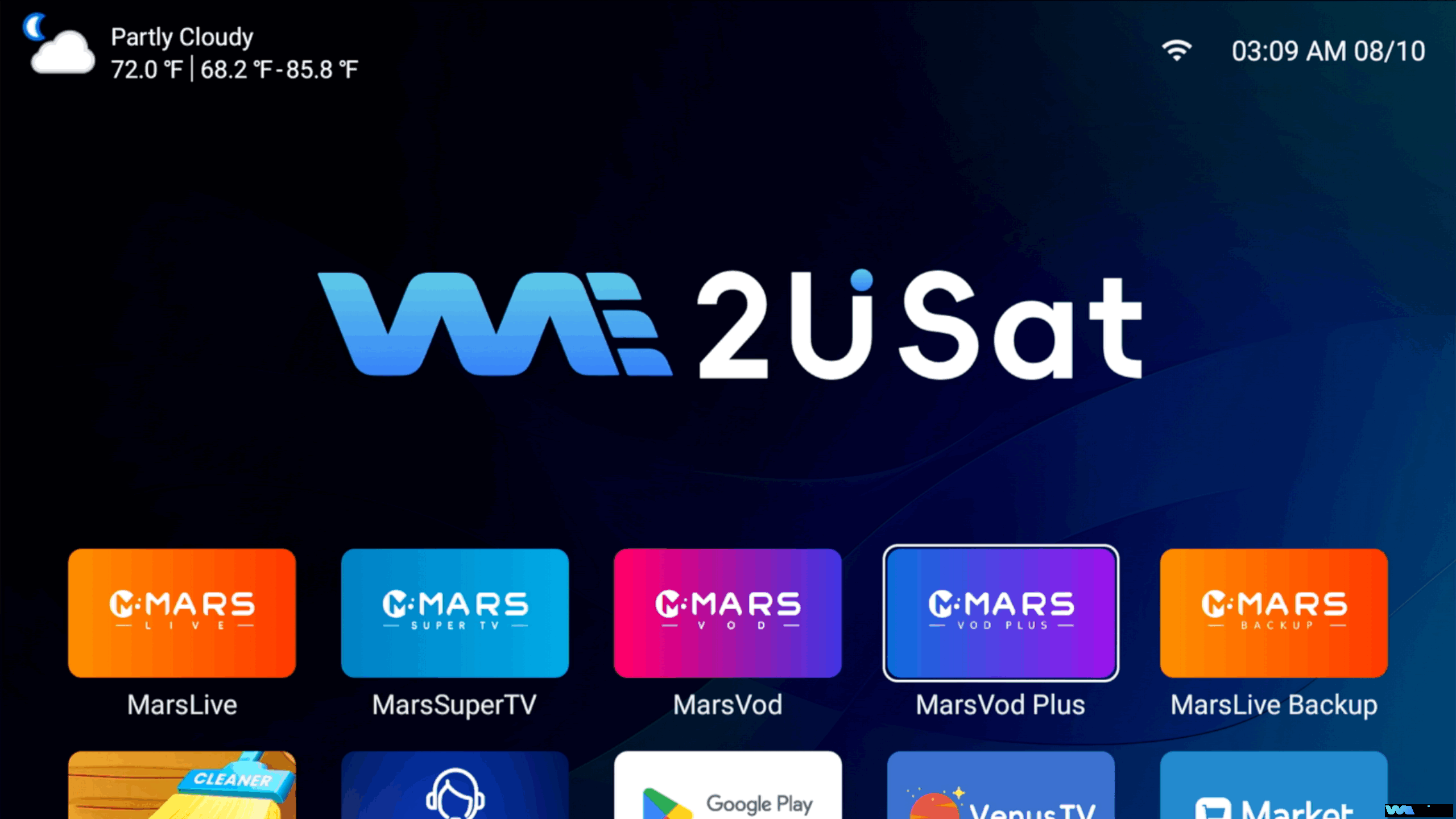
2. Short press the [FAV] button on your remote.
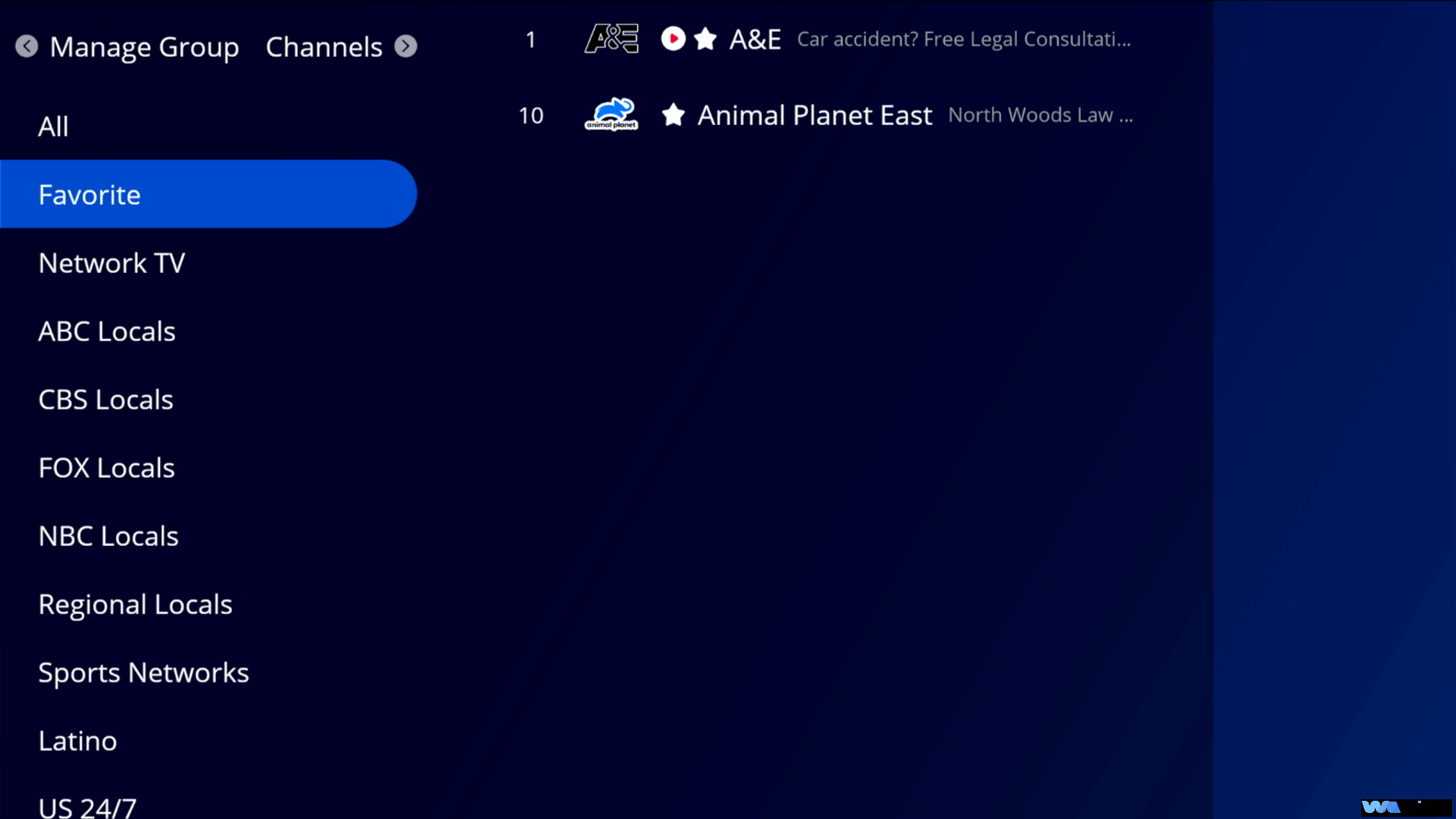
3. Your favorites list will appear. Just select the channel you want to watch, and you’re all set!For more information about the buttons, please follow "we2usat remote control".
And that’s it! We hope this guide makes your WE2USAT experience even better. If you have any questions, feel free to leave them in the comments below – we’ll be happy to provide detailed answers. Thanks for reading