Thinking about cutting the cord and building your own IPTV setup in 2025? It's more achievable than you might think.Building Your Own IPTV System in 2025: A Complete Guide
Contents
The Legal Status of IPTV in the U.S.
Understanding IPTV Content Range
Required Equipment and Software
The Legal Status of IPTV in the U.S.
Understanding the Legal Framework
IPTV technology itself is completely legal in the United States. It’s an innovative platform that delivers television content over the internet. Legitimate services like YouTube TV and Hulu + Live TV operate under the Copyright Act, ensuring compliance through proper content licensing. However, the key distinction lies in the content source: using unauthorized streaming services may violate copyright laws, potentially leading to service disruption or legal consequences.Choosing Safe Resources
While individual users are rarely prosecuted for using unverified services, these platforms can expose you to data breaches and inconsistent quality. For a legal DIY setup, opt for verified providers or Free-to-Air (FTA) channels available through platforms like GitHub. Trusted websites like TROYPOINT or IPTV Insider can help verify provider legitimacy for a worry-free viewing experience.
Paid vs. Free IPTV
Advantages of Paid Services
Paid IPTV services (like Sling TV or Philo, costing $20-80 monthly) deliver premium experiences with 4K/6K streaming, anti-buffering technology, and cloud DVR features. With licensed content from networks like ESPN and HBO, plus reliable customer support, they’re ideal for viewers prioritizing stability and exclusive programming.Appeal of Free Resources
Free IPTV attracts budget-conscious users through platforms like IPTV Smarters Pro or TiviMate, or devices like WE2USAT (one-time purchase, no monthly fees) offering access to thousands of channels. However, free options often come with fluctuating quality and potential legal risks, requiring careful consideration.
Understanding IPTV Content Range
Content Diversity
IPTV opens a treasure trove of content: from live sports and news updates to movies and international channels. Paid services like FuboTV deliver premium networks, while free FTA lists include local broadcasts (e.g., PBS) and European/Asian programming. With WE2USAT devices and apps like TiviMate, you can customize playlists to match your viewing preferences.Limitations and Compliance Solutions
Content availability depends on your provider’s resources. Unverified services may promise “unlimited content” but often involve pirated streams. Tools like NordVPN can legally bypass geographical restrictions to expand your options. Sticking to verified sources or curated GitHub lists ensures a rich yet compliant viewing experience.
Required Equipment and Software
Hardware and Software Requirements
● Building your personal IPTV system requires:Stable internet (HD: 15Mbps+/4K: 25Mbps+)
● Compatible device (smart TV, smartphone, or WE2USAT p6 mini)
● Player application (e.g., IPTV Smarters Pro, TiviMate)
Non-smart TV users can connect via Chromecast or HDMI-equipped IPTV boxes. M3U playlists are crucial for content access, and using a VPN is recommended for privacy protection.DIY Setup Steps
1. Connect your device via Ethernet or dual-band Wi-Fi
2. Install an IPTV app from your device’s store
3. Load M3U playlists from trusted sources
4. Organize channels using Electronic Program Guide (EPG)
5. Thoroughly test your streams
A VPN can further enhance security and access capabilities.
Complete TV Setup Guide
Smart TV Configuration
Smart TVs (Samsung, LG, Google TV, etc.) can directly download IPTV apps from their stores. After entering M3U lists or login credentials, connect via wired/wireless internet to start streaming. This method is efficient and hardware-free.External Device Solutions
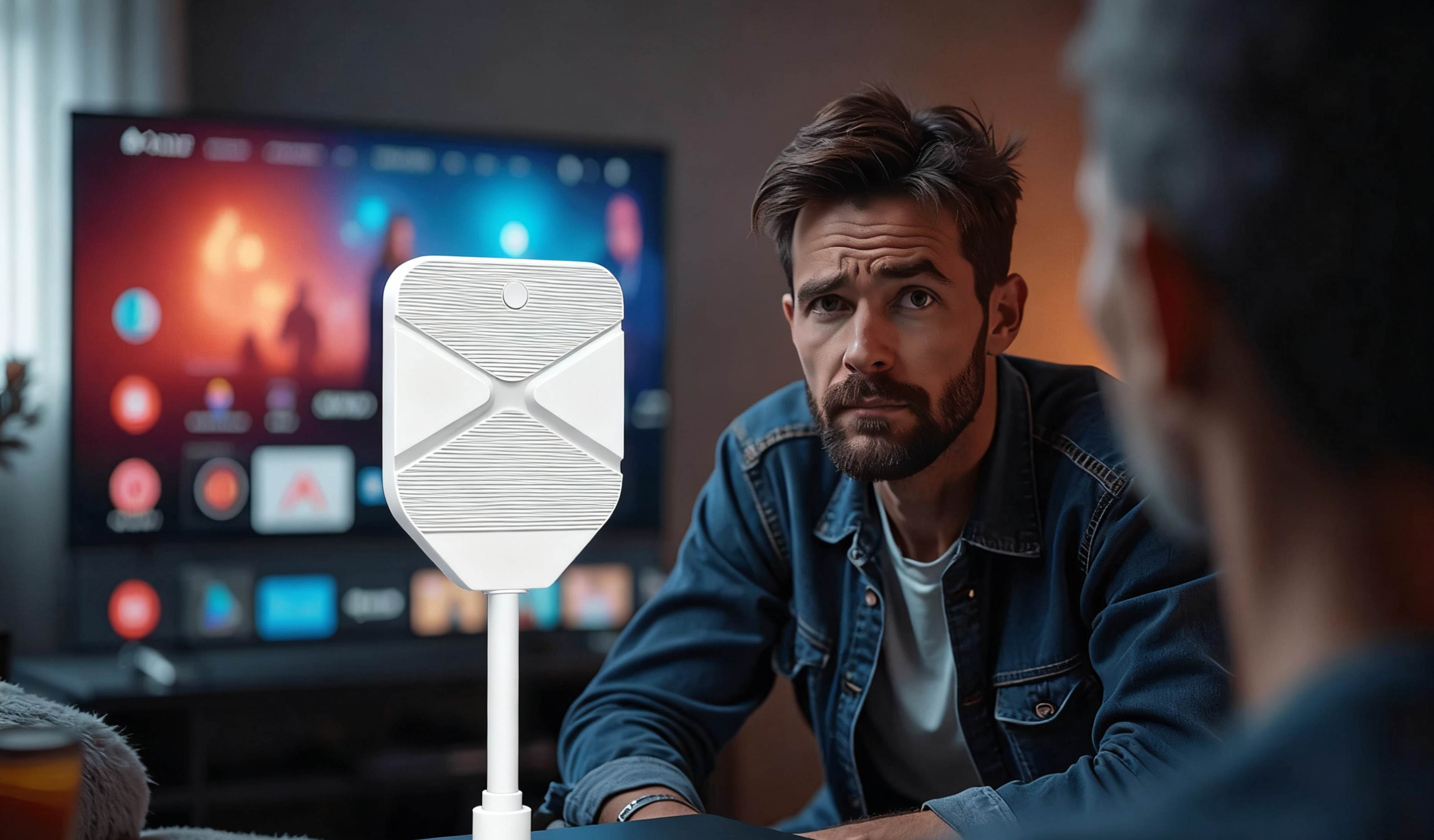
Non-smart TVs can access IPTV through WE2USAT boxes (HDMI connection) or casting devices like Chromecast/Roku/Fire Stick. Simply follow the device activation guide to enjoy modern streaming on older television sets.Content Sources and Legality
Content Source Analysis
IPTV streams originate from various sources: legitimate services like YouTube TV secure licensed transmission of ESPN/CNN through copyright agreements; free IPTV often uses satellite/terrestrial signals aggregated into M3U lists on GitHub; unverified sources may involve illegal streaming, carrying legal and quality risks.Ensuring Legitimacy and Stability
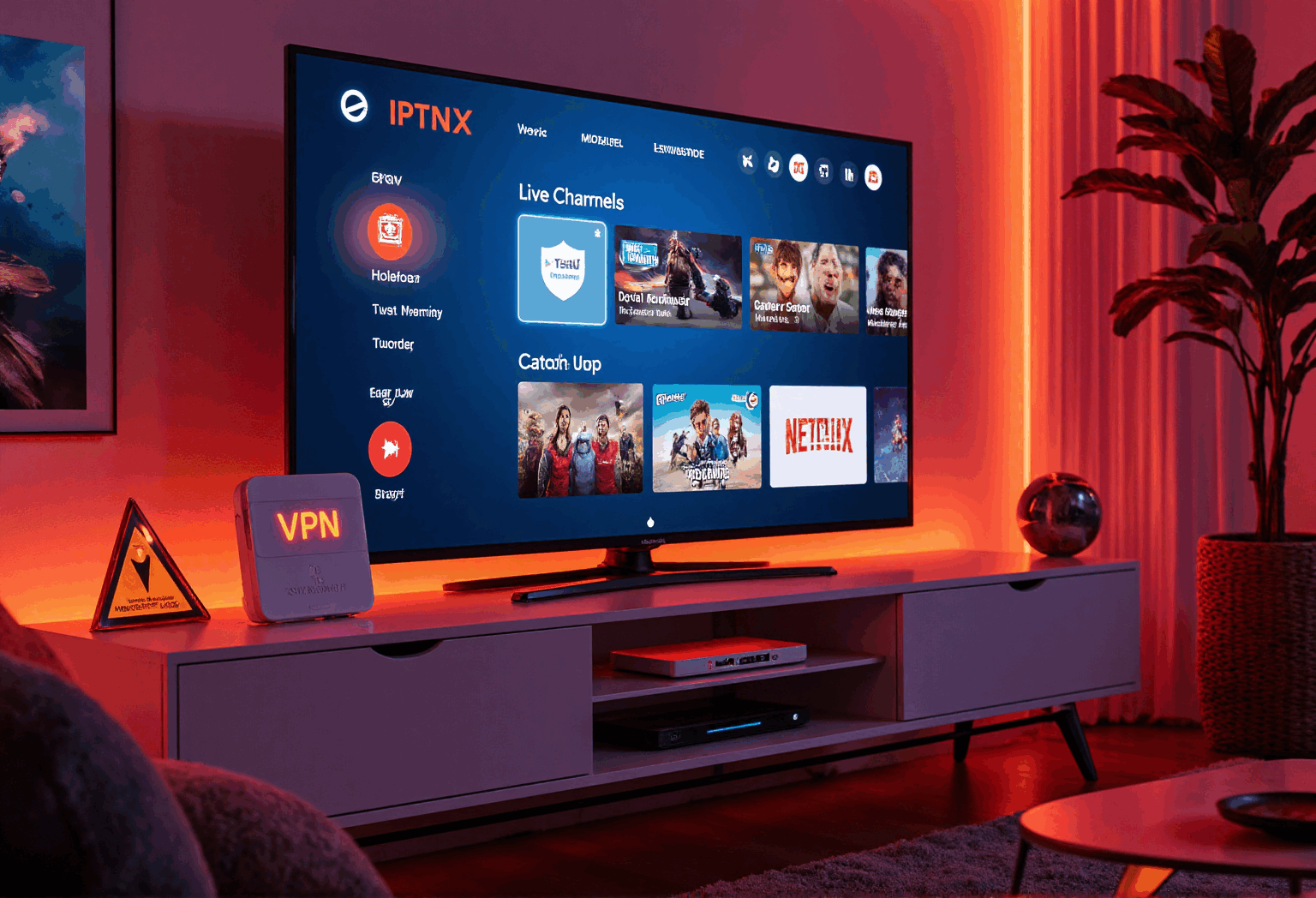
Choosing certified providers or vetted FTA lists is crucial for optimal experience. Devices like WE2USAT come pre-loaded with legal FTA content, simplifying setup. VPNs not only bypass ISP throttling for better stability but also legally unlock geo-restricted content.
Solutions for Regular TVs
Non-Smart TV Adaptation
Absolutely possible! Using WE2USAT IPTV boxes (HDMI connection) or Fire Stick/Roku devices, regular TVs can transform into streaming centers. All you need is stable internet (15Mbps+).Optimization Tips for Older TVs
● For best performance:Match external device output with TV capabilities (HD/4K)
● Prefer wired connections (older TVs have limited Wi-Fi performance)
● Regularly clear device cache
● Follow TROYPOINT guidelines for proper configuration
VPN Necessity Analysis
Risks of Going VPN-Free
● While usable without protection, you might encounter:ISP throttling causing buffering
● IP exposure increasing security risks
● Potential legal liability for unauthorized streaming
Core VPN Benefits
● Services like NordVPN or Surfshark provide:Encrypted connections preventing speed throttling
● IP masking for privacy protection
● Legal access to geo-restricted content
Choosing high-speed servers with no-log policies is key to enjoying 4K streaming.
Start Your IPTV Journey
In 2025, building your own IPTV system is within reach! Combine WE2USAT devices, TiviMate applications, and stable internet to create your perfect entertainment solution. Remember to choose legal sources, balance paid and free options, and utilize VPNs for security as you explore the content world. Visit the WE2USAT official store today to begin your personalized viewing adventure!