If you’re a “cord-cutter” who has ditched traditional cable TV but still doesn’t want to miss live sports, local channels, or international content, then IPTV (Internet Protocol Television) is likely your ideal solution. However, there’s a crucial caveat: even the best IPTV service can be undermined by a slow, outdated Android TV box.
A high-quality Android TV box suitable for IPTV needs three core elements: robust processing power, stable network connectivity , and compatibility with mainstream IPTV apps (like TiviMate, GSE Smart IPTV, IPTV Smarters). To save you the research time, we tested popular Android TV boxes on the market, focusing specifically on their performance with IPTV services. This article presents our carefully selected recommendations, along with buying and setup tips to help you create the ultimate streaming experience.
content
1. Why Your Android TV Box is Crucial for IPTV
1.1 Buffering
1.2 Regional Restrictions
1.3 Remote Control & Ease of Use
The 6 Best Android TV Boxes for IPTV in 2025
1. NVIDIA Shield TV Pro
2. Amazon Fire TV Cube
3. Xiaomi Mi Box S
4. Formuler Z11 Pro Max
5. MECOOL KM9 Pro (Best for International IPTV Users)
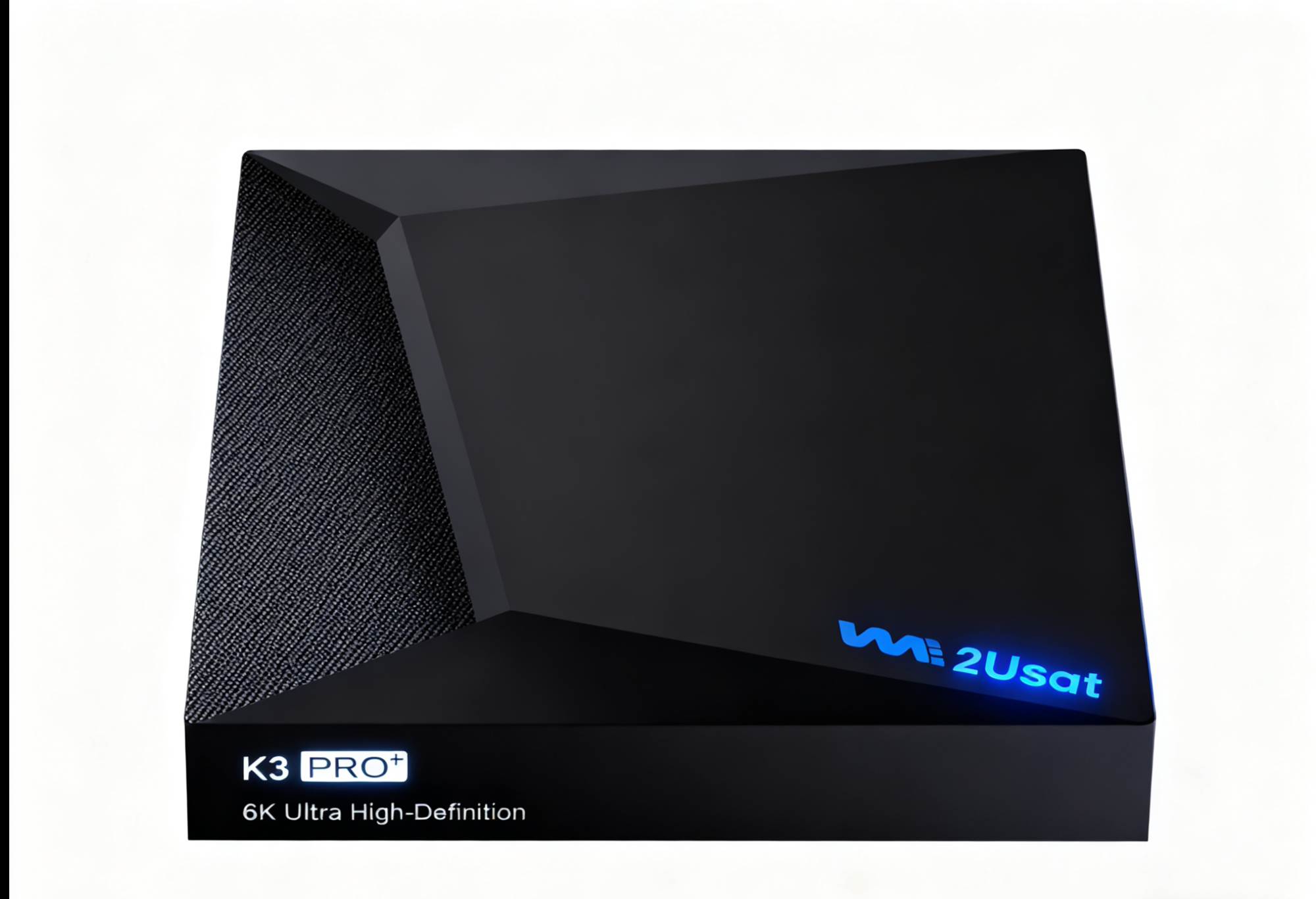
6. we2usat K3 Pro + (Professional IPTV TV Box)
How to Choose the Right Android TV Box
1. What’s Your Budget?
2. What Type of Content Do You Watch Most?
summary
1. Why Your Android TV Box is Crucial for IPTV
Before we dive into the recommendations, let’s be clear: not all Android TV boxes are created equal for IPTV, especially for users. The differences manifest in several key areas:
1.1 Buffering
IPTV users often watch content in 4K (like NFL Sunday Ticket games, ABC/CBS local channels). Even with a fast internet connection, a weak TV box processor or unstable Wi-Fi can lead to constant buffering.
1.2 Regional Restrictions
Many users want access to both local channels and international content (like Spanish-language channels, European sports). A good TV box needs to support VPNs (a key tool for unlocking geo-restricted content) and have sufficient storage for multiple IPTV apps.
1.3 Remote Control & Ease of Use
Let’s be honest, no one wants to struggle with a clunky, hard-to-use remote when switching between live TV and on-demand content. Top-tier TV boxes come with user-friendly remotes (some with voice control) that integrate seamlessly with IPTV apps.
The 6 Best Android TV Boxes for IPTV in 2025
We evaluated each box based on IPTV-specific performance, price, and user needs (like compatibility with streaming services and VPNs). Here are our top picks:
1. NVIDIA Shield TV Pro
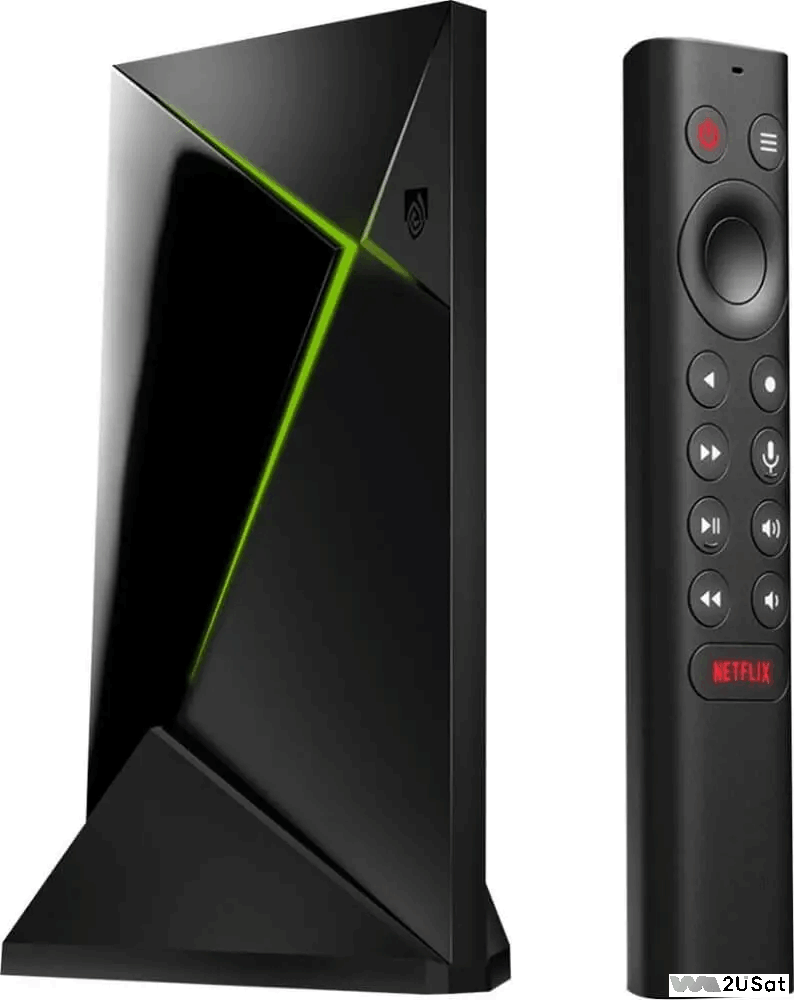
Price: Approximately $350
If you’re serious about IPTV and refuse to compromise on experience, the NVIDIA Shield TV Pro is worth the investment. It’s the only box on the market featuring the Tegra X1+ processor – a chipset found in some gaming consoles. This means it handles high-bitrate 4K IPTV live streams (like sports) without a hint of stutter.
2. Amazon Fire TV Cube
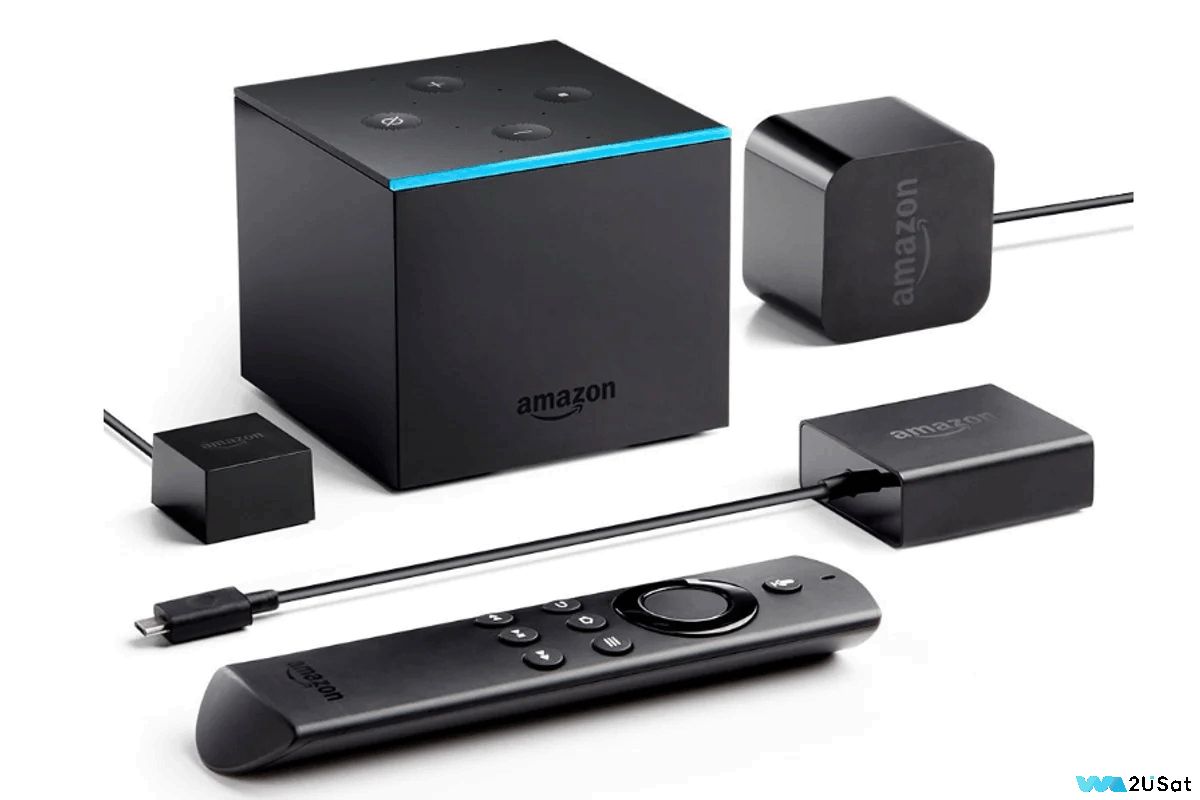
Price: Approximately $150
The Amazon Fire TV Cube is a favorite for its deep integration with the Amazon ecosystem – and it performs surprisingly well for IPTV. Don’t be fooled by its “value” tag; its quad-core processor handles 4K IPTV streams smoothly and includes features that enhance the IPTV experience.
3. Xiaomi Mi Box S
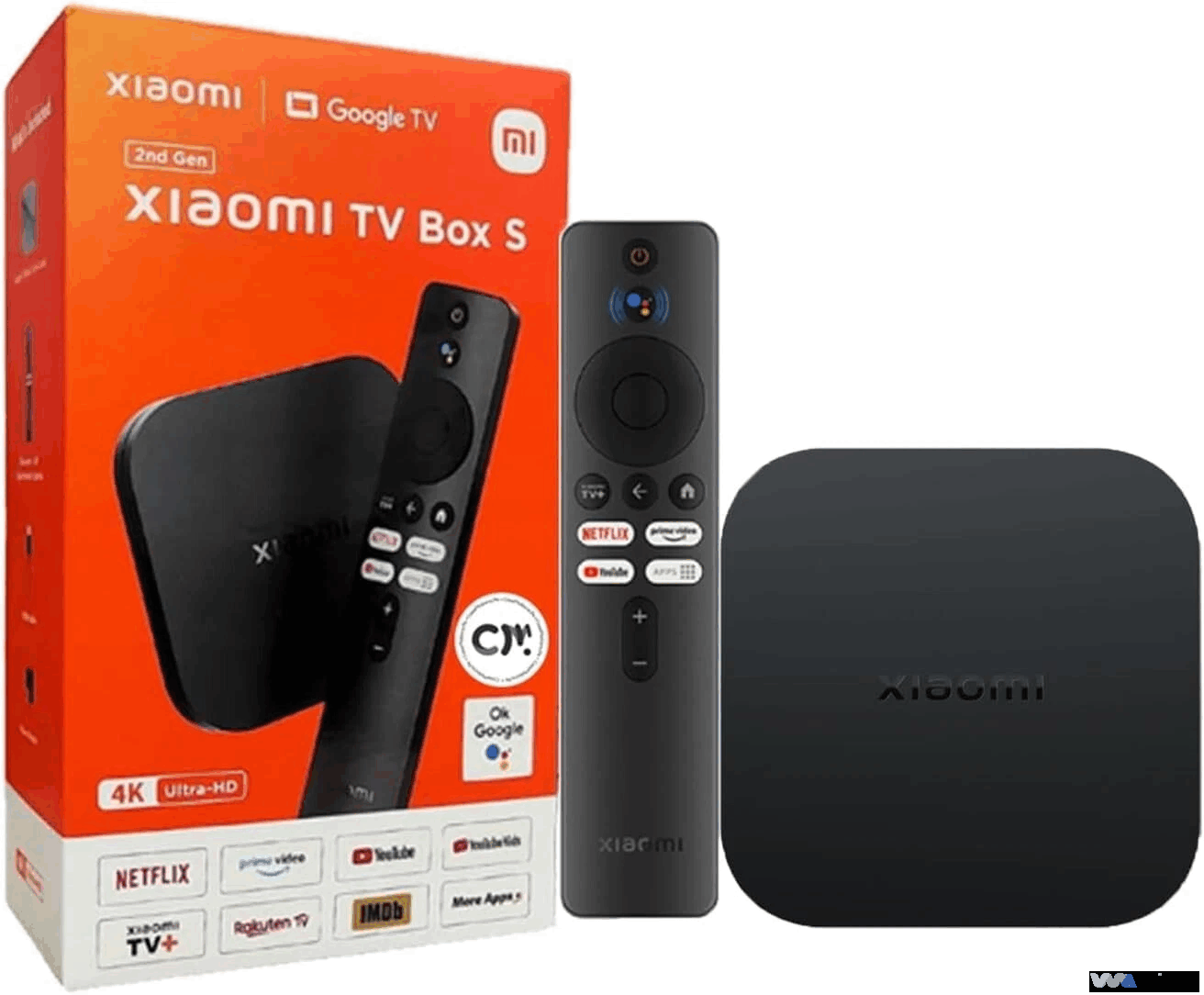
Price: Approximately $80
If you’re new to IPTV and want a low-cost entry point, the Xiaomi Mi Box S is a reliable choice. It’s budget-friendly yet supports 4K streaming and is compatible with all major IPTV apps.
4. Formuler Z11 Pro Max
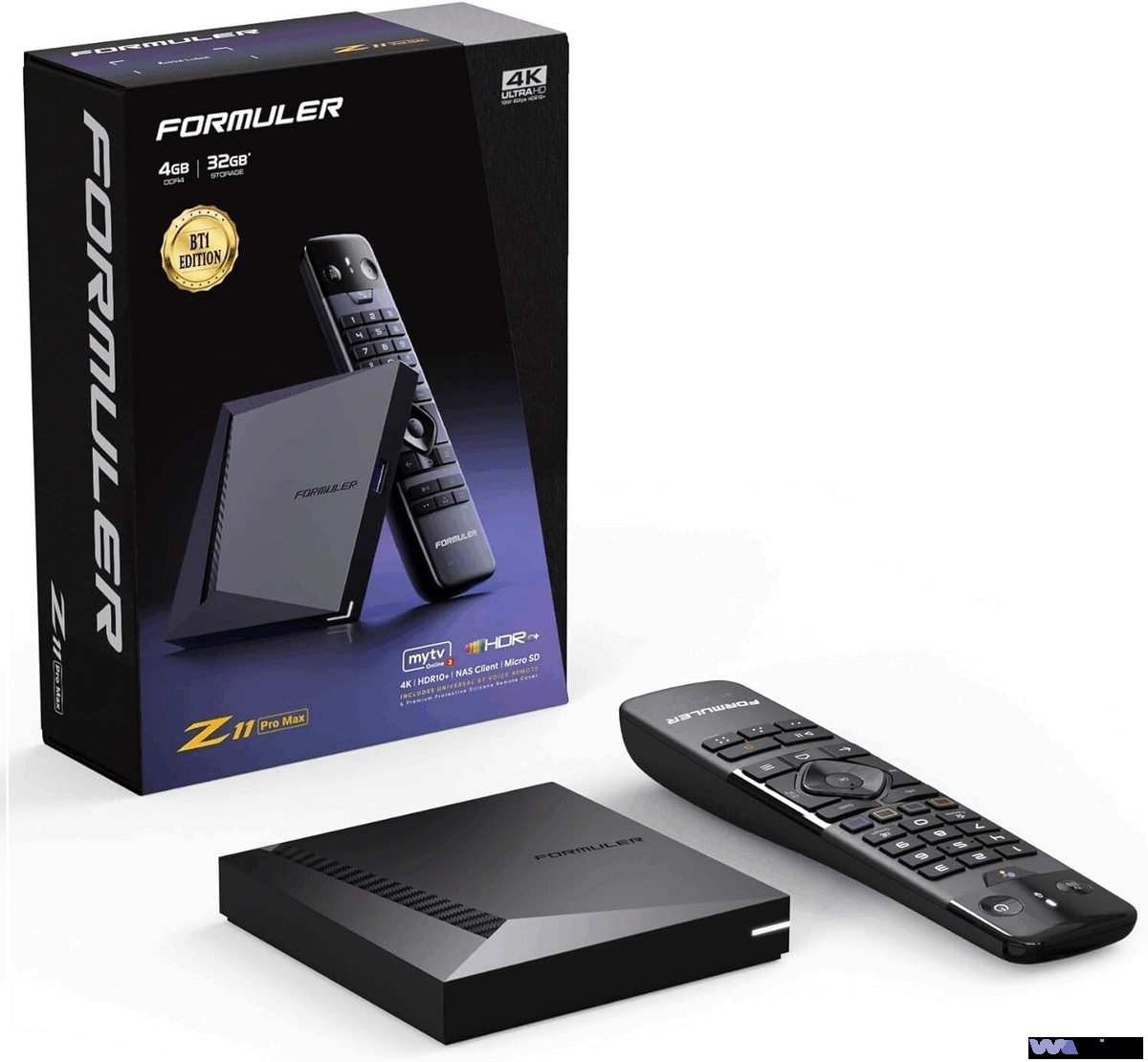
Price: Approximately $380
If IPTV is your primary TV source (not just a supplement to Netflix), the Formuler Z11 Pro Max is built for you. It’s designed specifically for IPTV, with features generic boxes lack.
5. MECOOL KM9 Pro
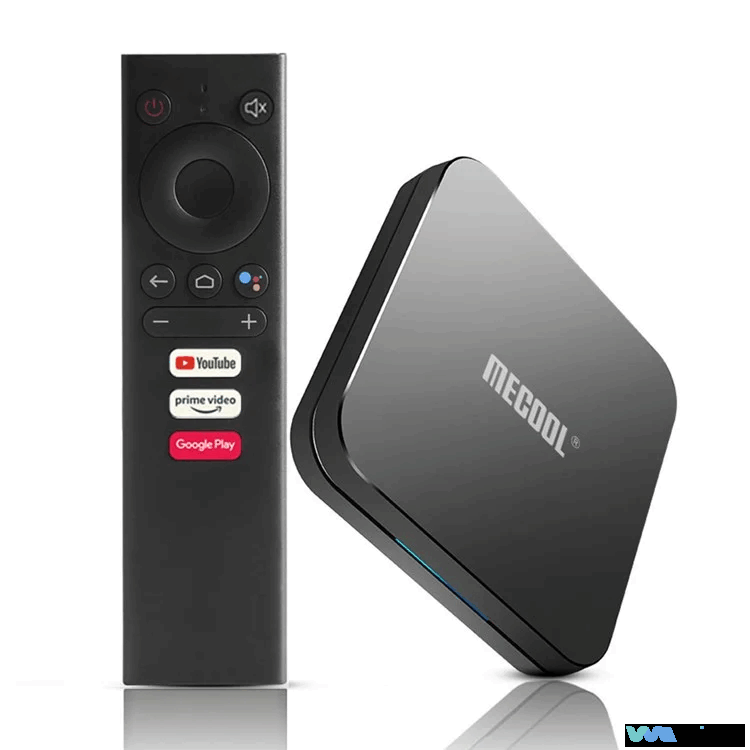
Price: Approximately $180
For users who need international content (e.g., Hindi TV, Arabic sports, European news), the MECOOL KM9 Pro is ideal. It’s designed for a global audience with strong VPN support and compatibility with region-specific IPTV apps.
6. we2usat K3 Pro + (Professional IPTV TV Box)
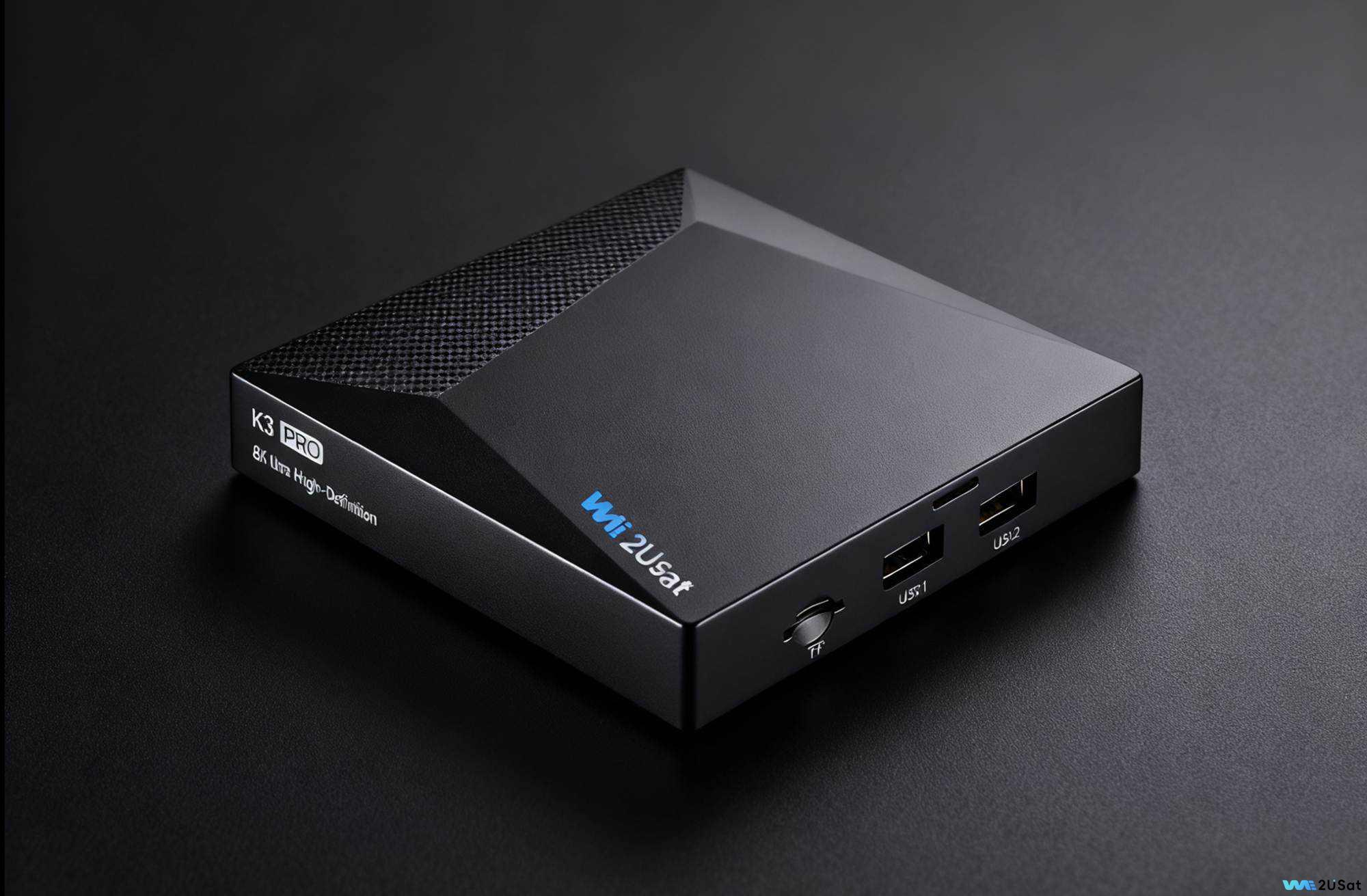
Price: Approximately $310
Optimized specifically for IPTV users, the we2usat K3 Pro+ strikes an excellent balance between performance and localized experience, making it particularly suitable for families seeking stable live streams and convenient operation. Its quad-core Amlogic S905X4 processor, paired with 4GB of RAM, easily handles 4K HDR IPTV streams without stuttering or crashing, even when running TiviMate and a VPN simultaneously.
How to Choose the Right Android TV Box
Unsure which one to pick? Start by asking yourself these three questions,The following suggestions are for reference only.
1. What’s Your Budget?
● Under $70: Choose the Xiaomi Mi Box S
● $80 – $150: Choose the Amazon Fire TV Cube or MECOOL KM9 Pro .
● Over $150: Choose the NVIDIA Shield TV Pro , Formuler Z11 Pro Max , or we2usat K3 Pro+.
2. What Type of Content Do You Watch Most?
● 4K Sports: Choose the NVIDIA Shield TV Pro or we2usat K3 Pro+ (Handles high-bitrate streams best).
● International Content: Choose the MECOOL KM9 Pro or we2usat K3 Pro+ (Excellent VPN support).
● IPTV + Other Streaming (Netflix, Hulu): Choose the NVIDIA Shield TV Pro or Amazon Fire TV Cube .
summary
No matter which box you choose, remember: a quality IPTV service paired with a high-performance Android TV box creates a cord-cutting experience superior to traditional cable. If you’re still unsure, start with the we2usat K3 Pro+ – it offers a great balance of price, ease of use, and compatibility with most IPTV services (Limited-time promotional coupons available from September to November).
Have a question about a specific box or need help setting up an IPTV app? Feel free to ask in the comments