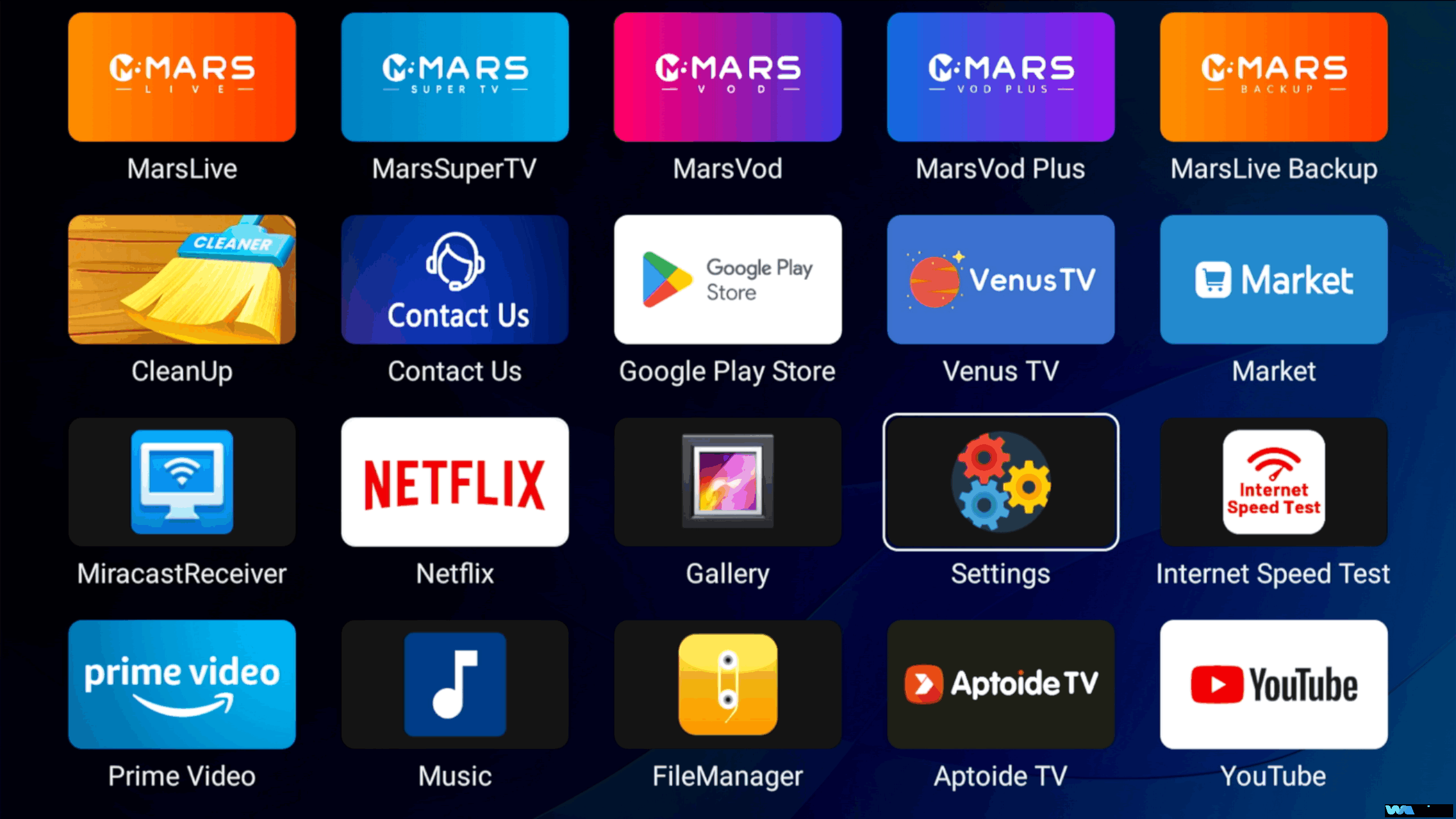
content
1. Top Button Section
TV Control
TV Input
VOL – / +
Mouse On/Off
2. Number Pad Section
Number Keys (0-9)
LAST/DEL Button
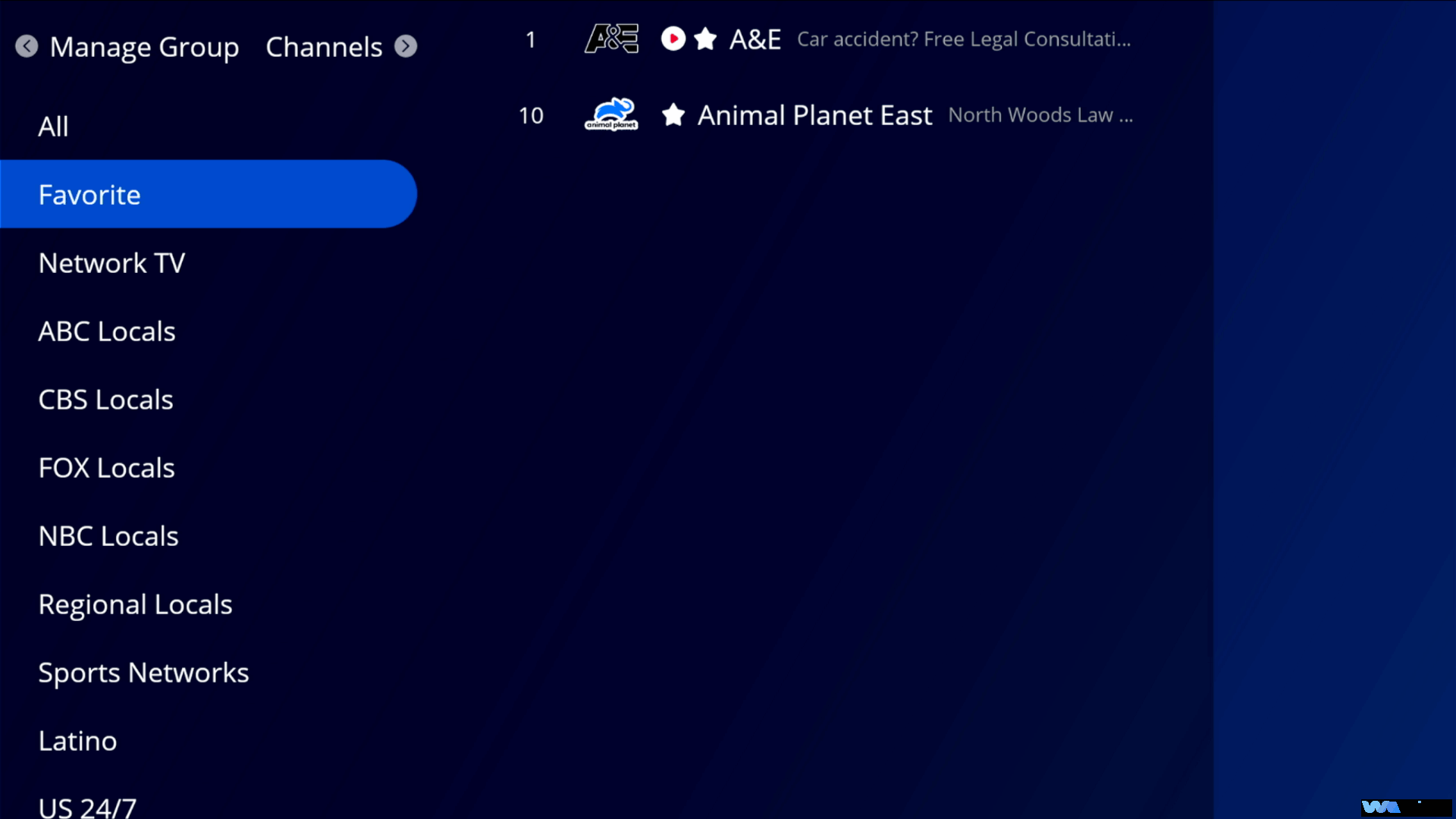
FAV Button
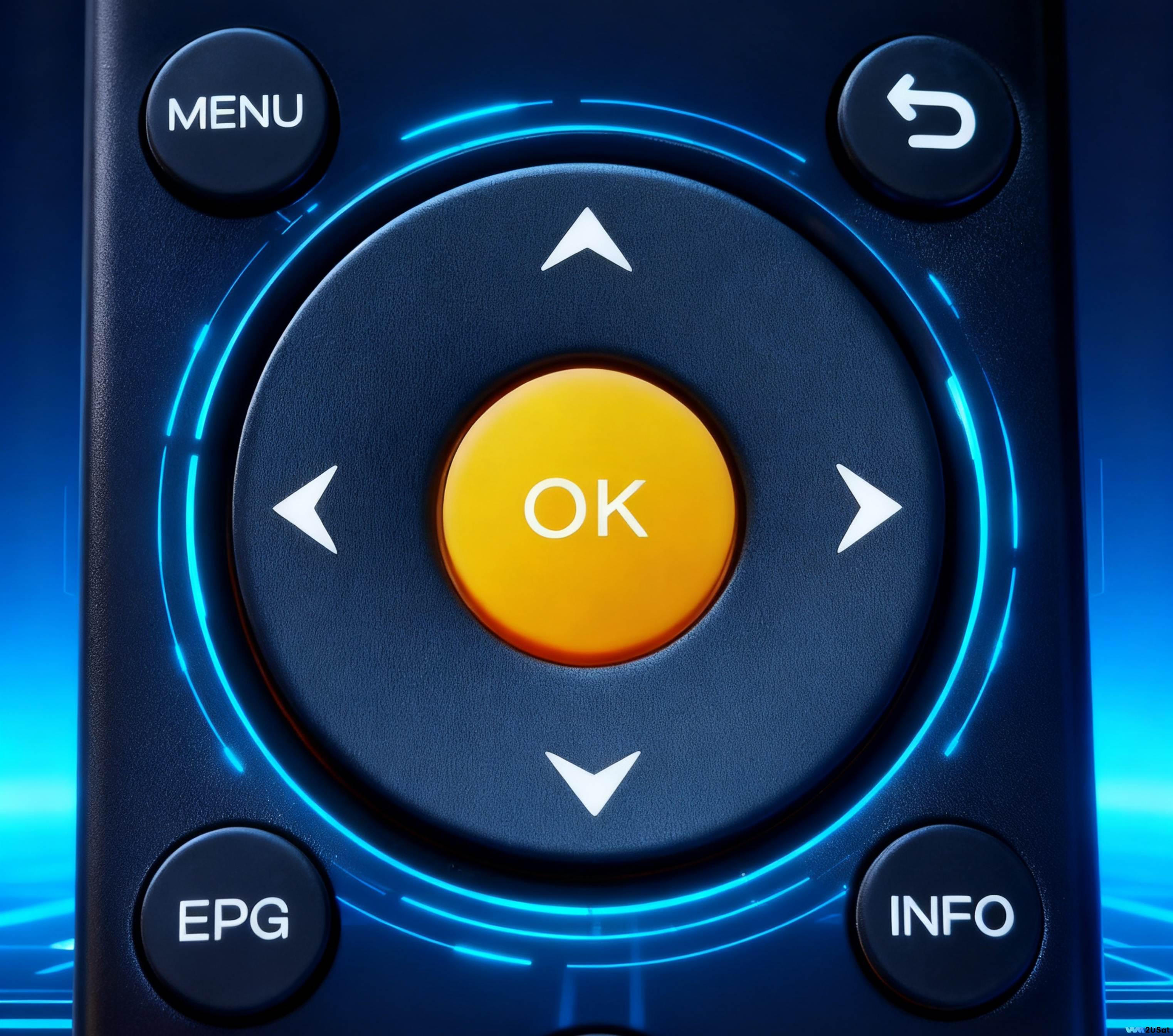
3. Menu Navigation Section
Directional Pad
OK Button
Back Button
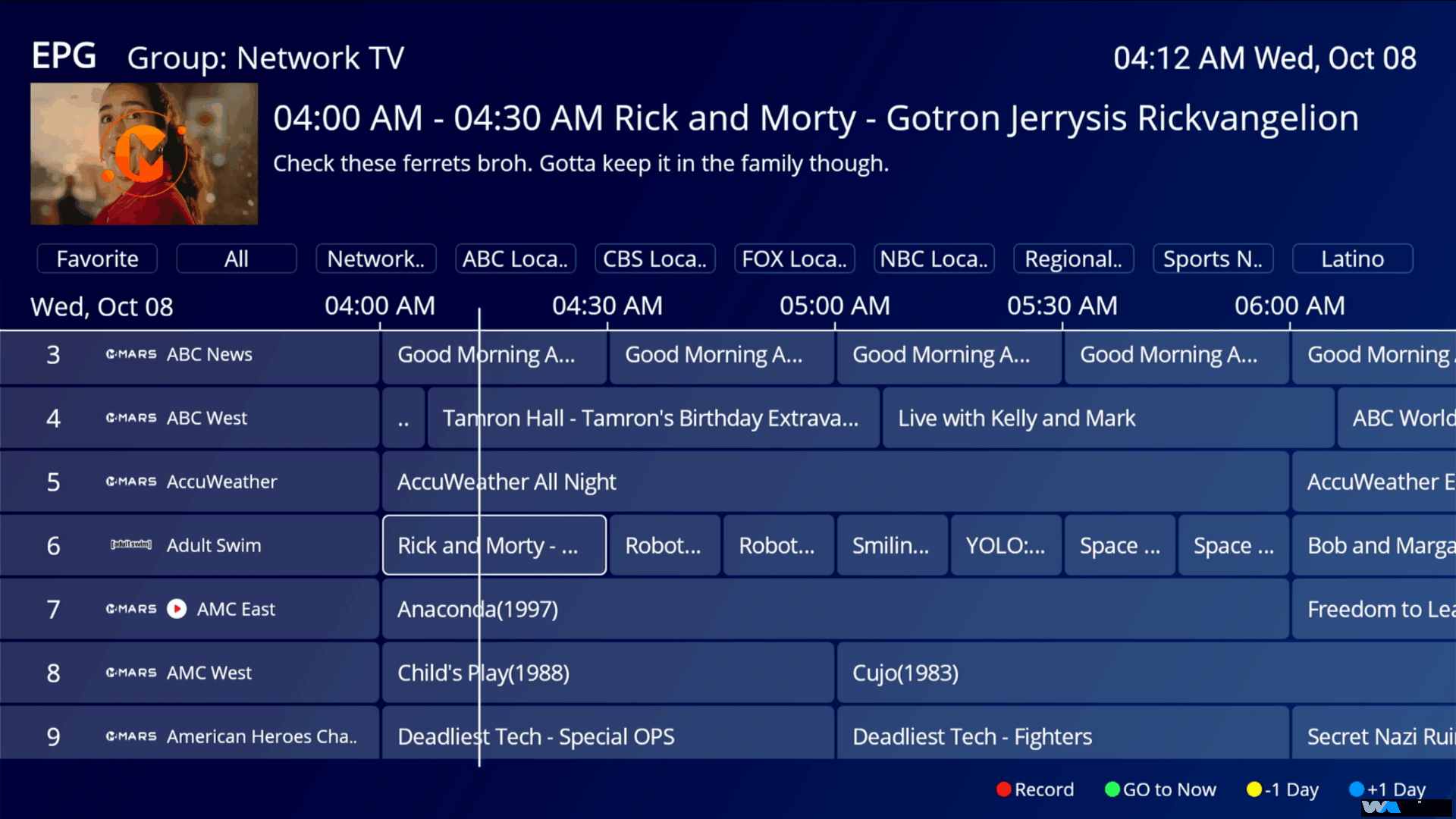
EPG Button
INFO Button
MENU Butt
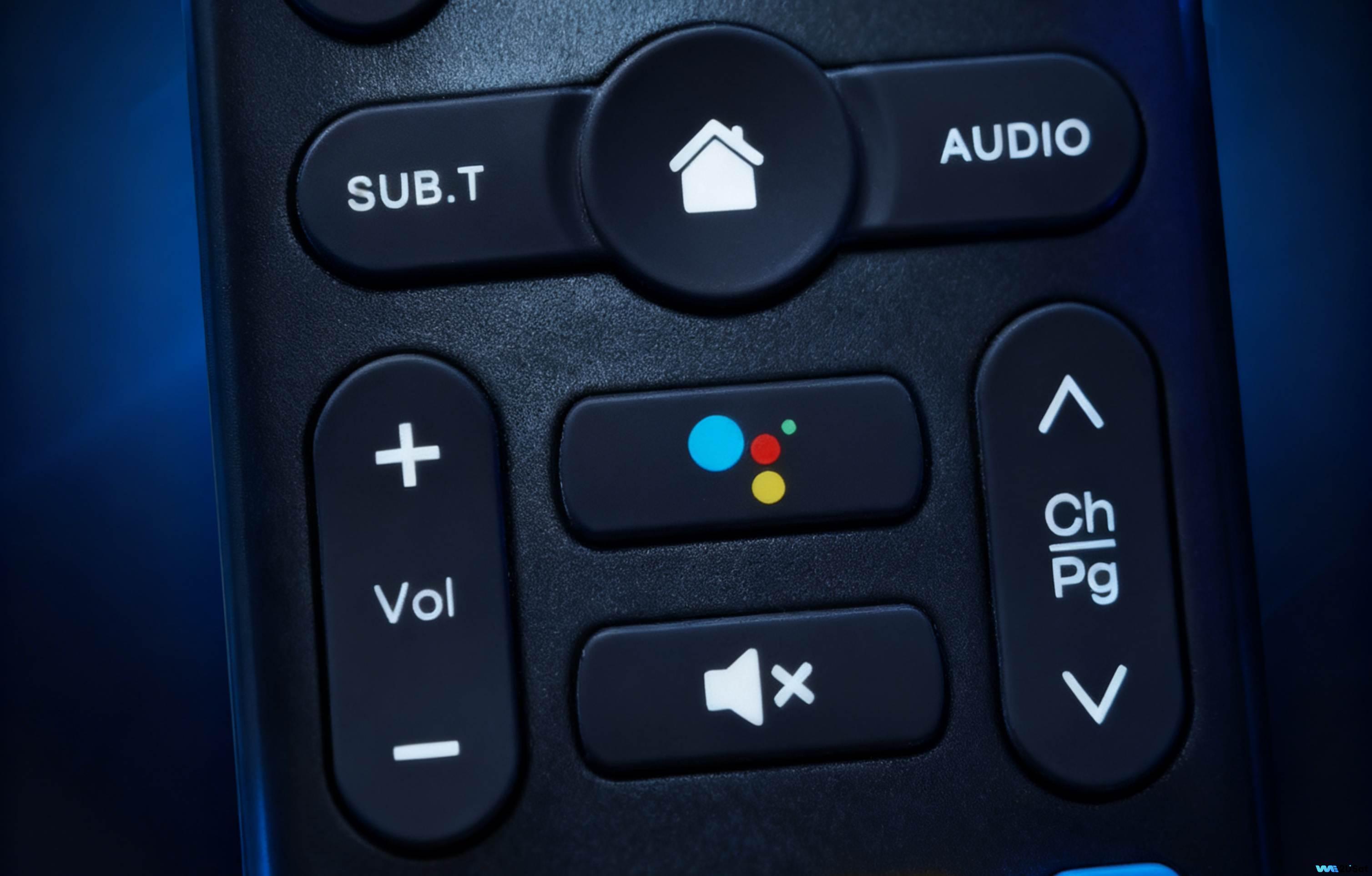
4. Basic Function Keys
CH + / – Buttons
Volume Control
Mute Button
Voice Button
Home
5. Special Function Keys
5.1 Red, Green, Yellow, Blue Colored Keys
5.2 Streaming Shortcuts
6. Troubleshooting
6.1 Remote Not Responding
6.2 Buttons Not Functioning Properly
In an era of abundant digital entertainment, the WE2USAT system delivers a rich and immersive viewing experience. The core tool for interacting with this system is its remote control – understanding and using this tool correctly will significantly enhance your user experience. This guide provides a comprehensive overview of how to use the WE2USAT remote control.
1. 顶部按钮部分
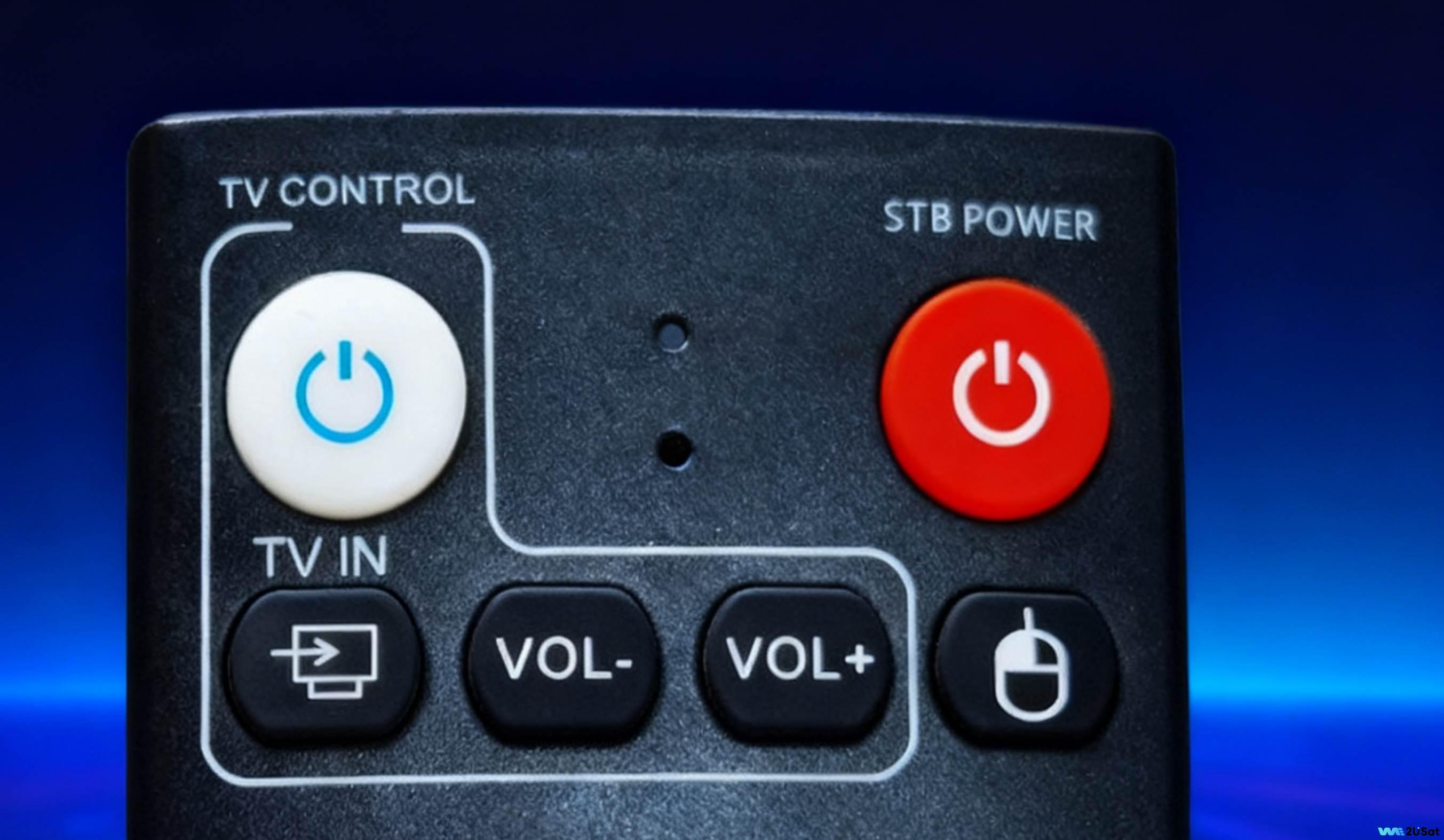
The most basic operation is turning the WE2USAT device on and off. Locate the ” STB POWER” button, situated prominently in the upper right corner of the remote (the red button). Press this button once to turn on the device; the TV box indicator light will turn green.
2. 数字键盘部分
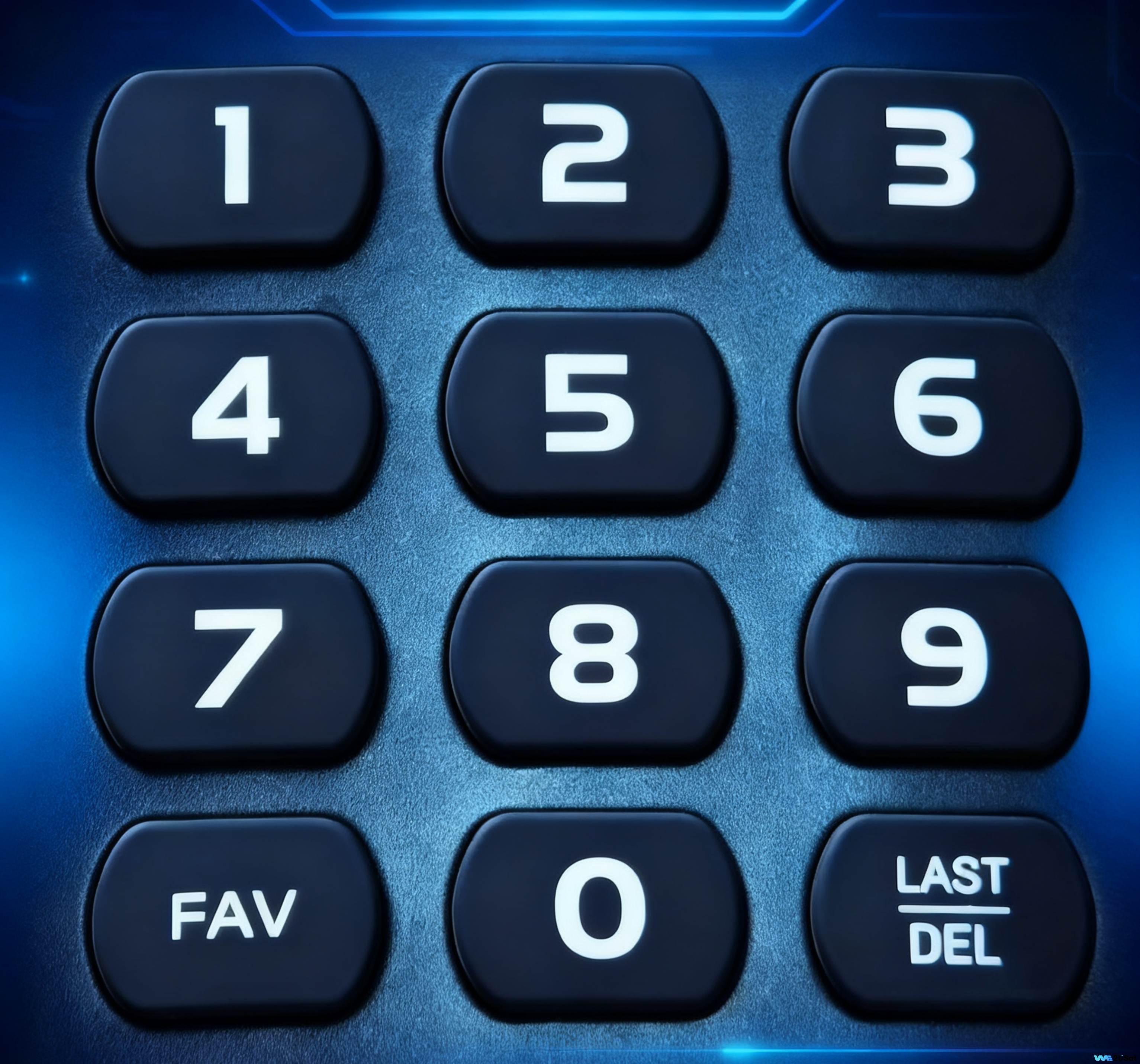
Short Press: Opens your favorites list for quick access to saved channels.
Press and Hold (2 seconds): Adds the current channel or application to your favorites.
For specific operations, please follow “Easy Use of Favorites“.
3. 菜单导航部分
4. 基本功能键
5. 特殊功能键
5.1 红、绿、黄、蓝彩色按键
The functions of these four colored keys can often be customized based on user preference.Click here for details on “How to Set Up Keyboard Shortcuts”
5.2 流媒体快捷方式
This section consists of dedicated buttons for popular streaming apps like YouTube, Prime Video, NETFLIX, and Disney+. They provide one-touch access, getting you directly into the app without delay.
6. 故障排除
6.1 远程无响应
If your WE2USAT remote isn’t working, follow these steps:
Check Batteries: Open the battery compartment on the back. Ensure the batteries are inserted with the correct polarity and have sufficient charge. Replace old batteries with new ones.
Clear Obstructions: Make sure there are no objects blocking the path between the remote and the WE2USAT device (the remote uses infrared signals, which can be blocked easily). Move any potential obstacles.
Reset the Remote: Some remotes have a small reset pinhole on the back. Use a paperclip or similar thin object to press and hold the reset button inside the hole for a few seconds. Then try using the remote again.
6.2 按钮无法正常工作
If some buttons aren’t working correctly, try these steps:
Clean the Remote: Dust or debris under the buttons can cause malfunctions. Gently wipe the surface of the remote, especially around the buttons, with a soft, dry cloth.
Seek Help: If cleaning doesn’t resolve the issue, it might be a hardware fault. Please contact WE2USAT Customer Support for further assistance or consider replacing the remote.
Thank you for reading! We hope this guide has been helpful. If you have any further questions, please feel free to leave a comment